
Mr. Meows Kitchen
A downloadable game for Windows
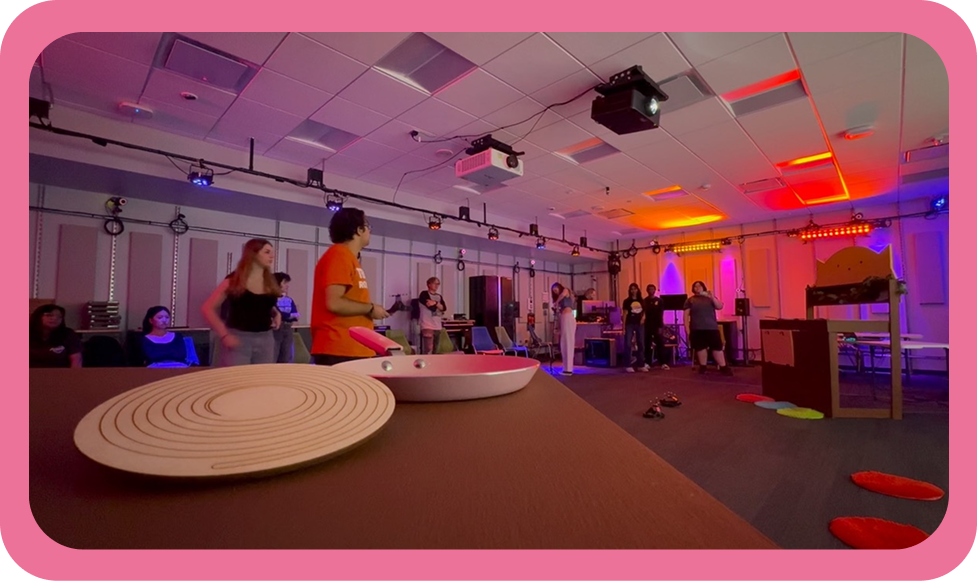
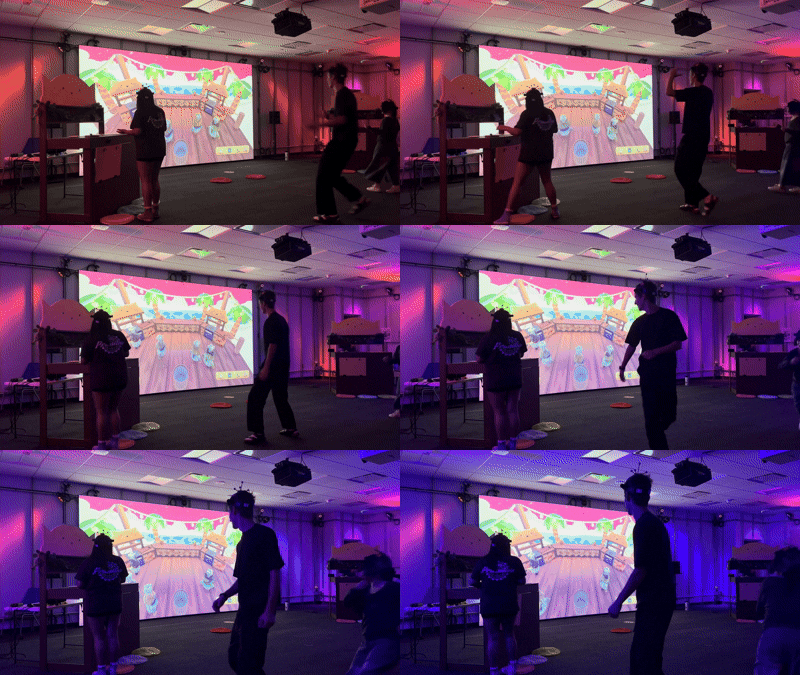
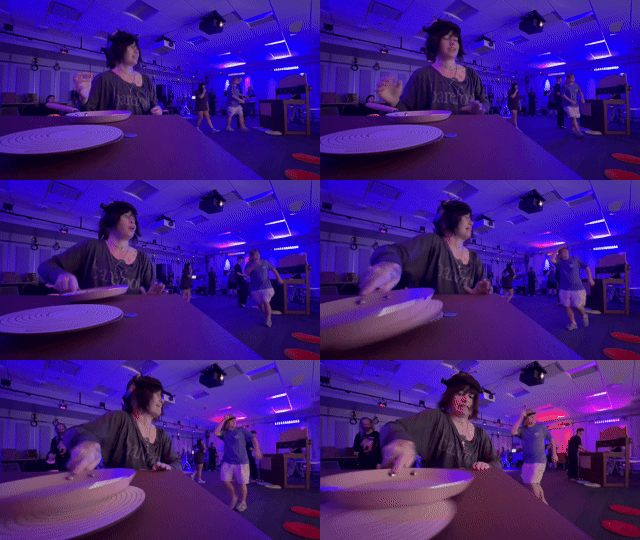
Chop, fry, bake, to make the ultimate stargazy pie in an immersive 2v2 kitchen battle showdown. Using motion capture technology paired with a physical kitchenette, live your cooking dreams as an adorable kitty. Cook like your nine lives depend on it in Mr. Meows Kitchen.
Final Project
How to Play
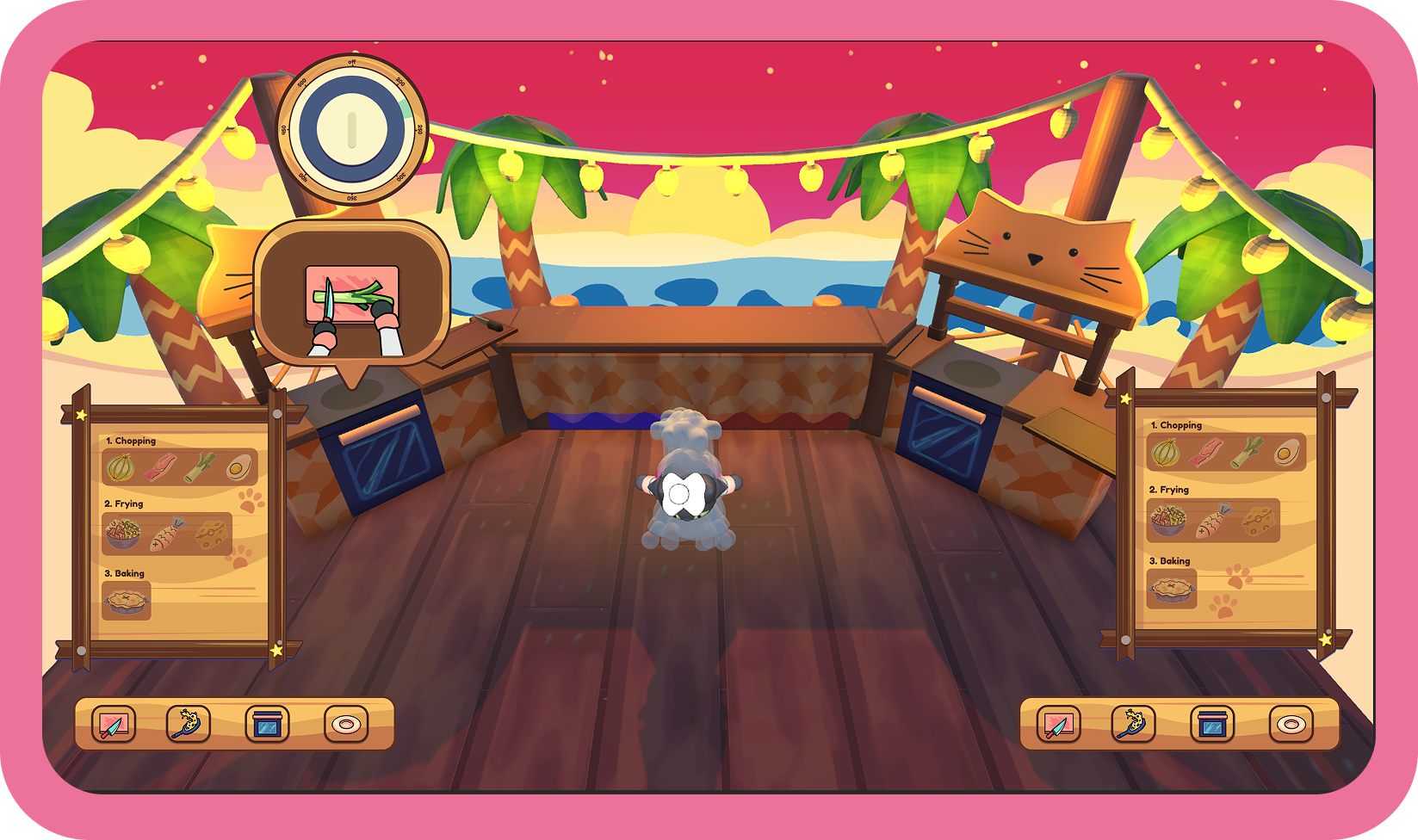
In this 2v2 battle players have to collect, chop, fry, and bake ingredients. Compete against the other team to see who can make a stargazy pie the fastest.
Collecting Ingredients
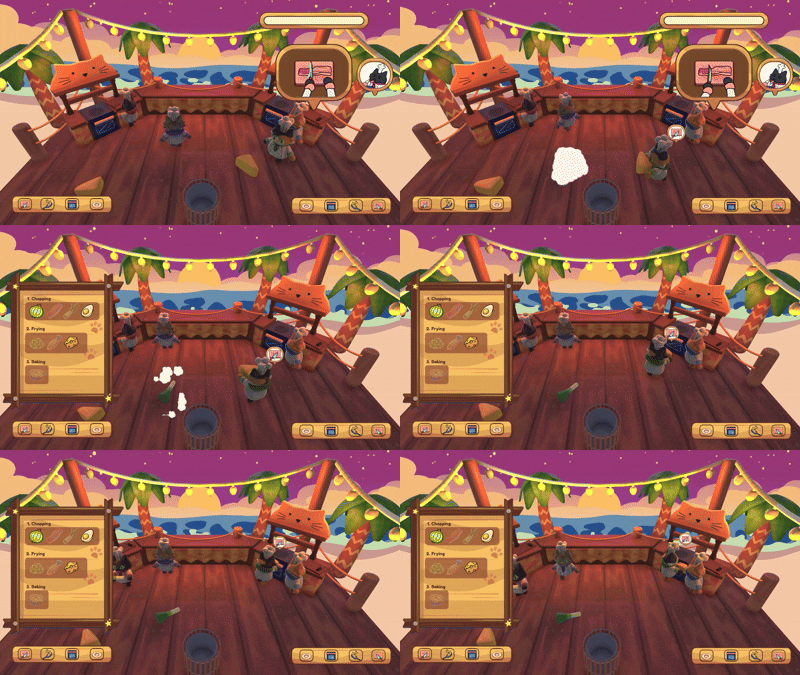
Ingredients will randomly spawn around the space on screen. In order to collect an ingredient players must run to the location and have their player collide with the ingredient. The player then must bring the ingredient to the appropriate "cooking station."
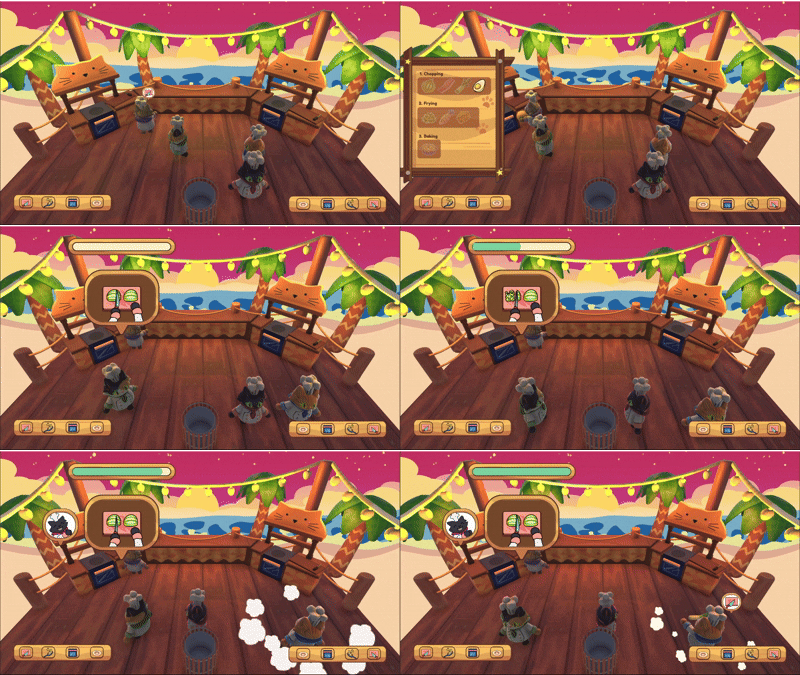
There is also a recipe book that players can view by walking up to the red mat and question mark. The recipe book shows what ingredients belong at each station.
If a player needs to discard an ingredient they can walk up to the trashcan and throw it away by colliding with the trashcan.
Chopping Mini Game
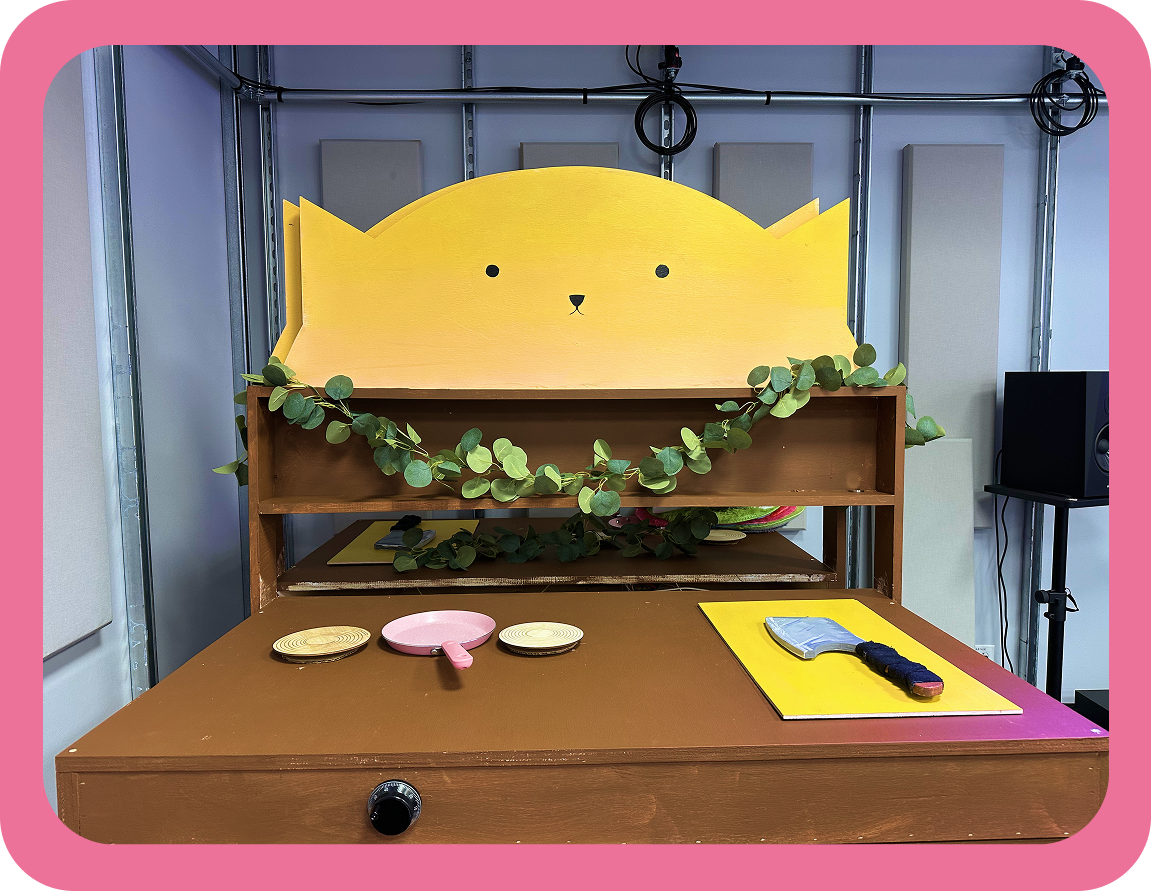
In order to complete the chopping minigame, the player must pick up the butcher knife, found by the chopping board and repeatedly hit the cutting board until the meter fully fills.
Pan Mini Game
In order to complete the pan minigame, the player must use the pan and alternate between hitting the two stove coils until the meter fully fills.
Oven Mini Game
After the player finishes the first two minigames (chopping/pan) they can then move onto the oven mini game. The player will receive an unbaked pie and have to place it into the oven. After that the player has to move the dial on the oven to keep the temperature stable.
After the pie is fully cooked the player must bring the pie to the plating station to win the game.
How to Set Up
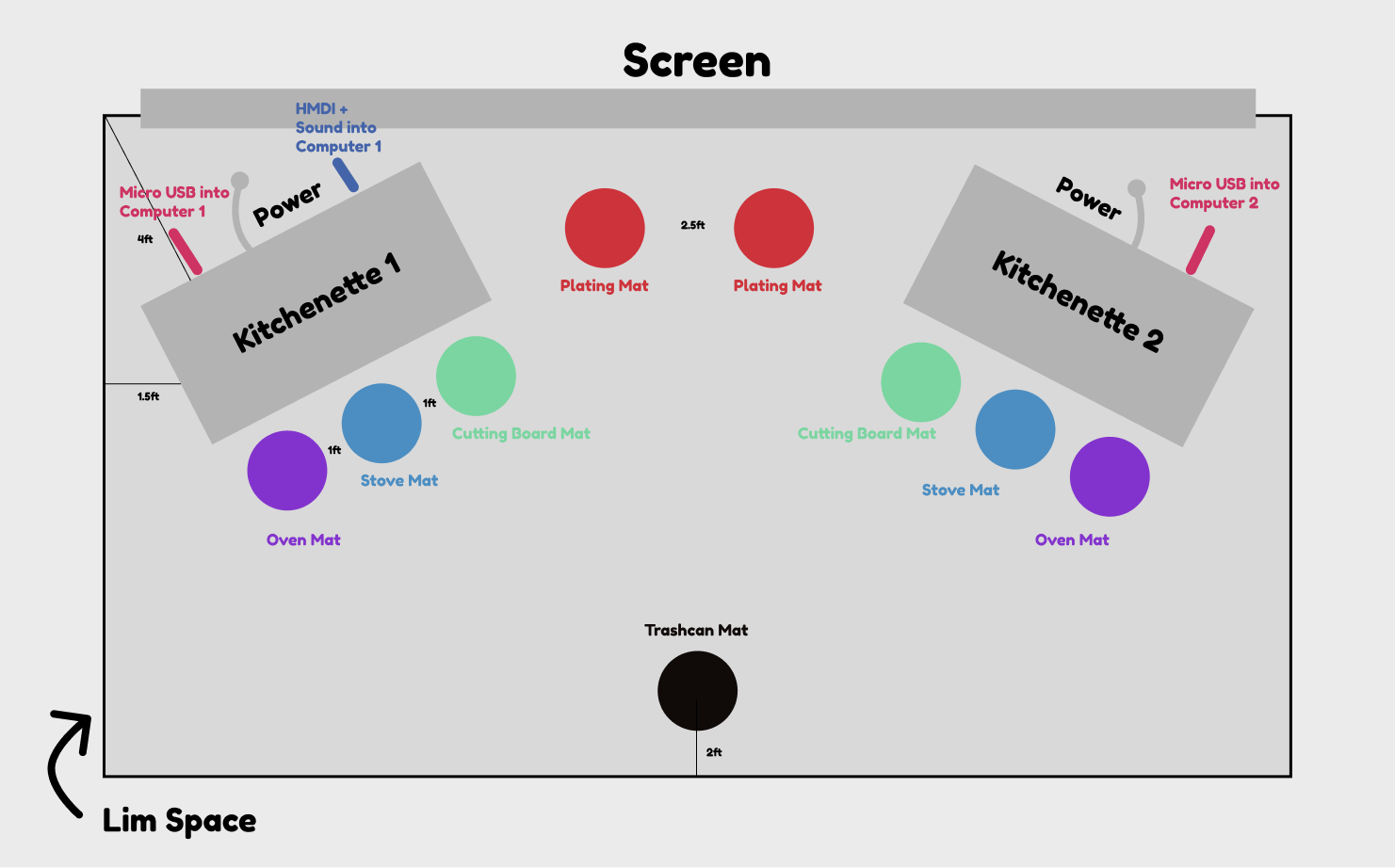
Floorplan
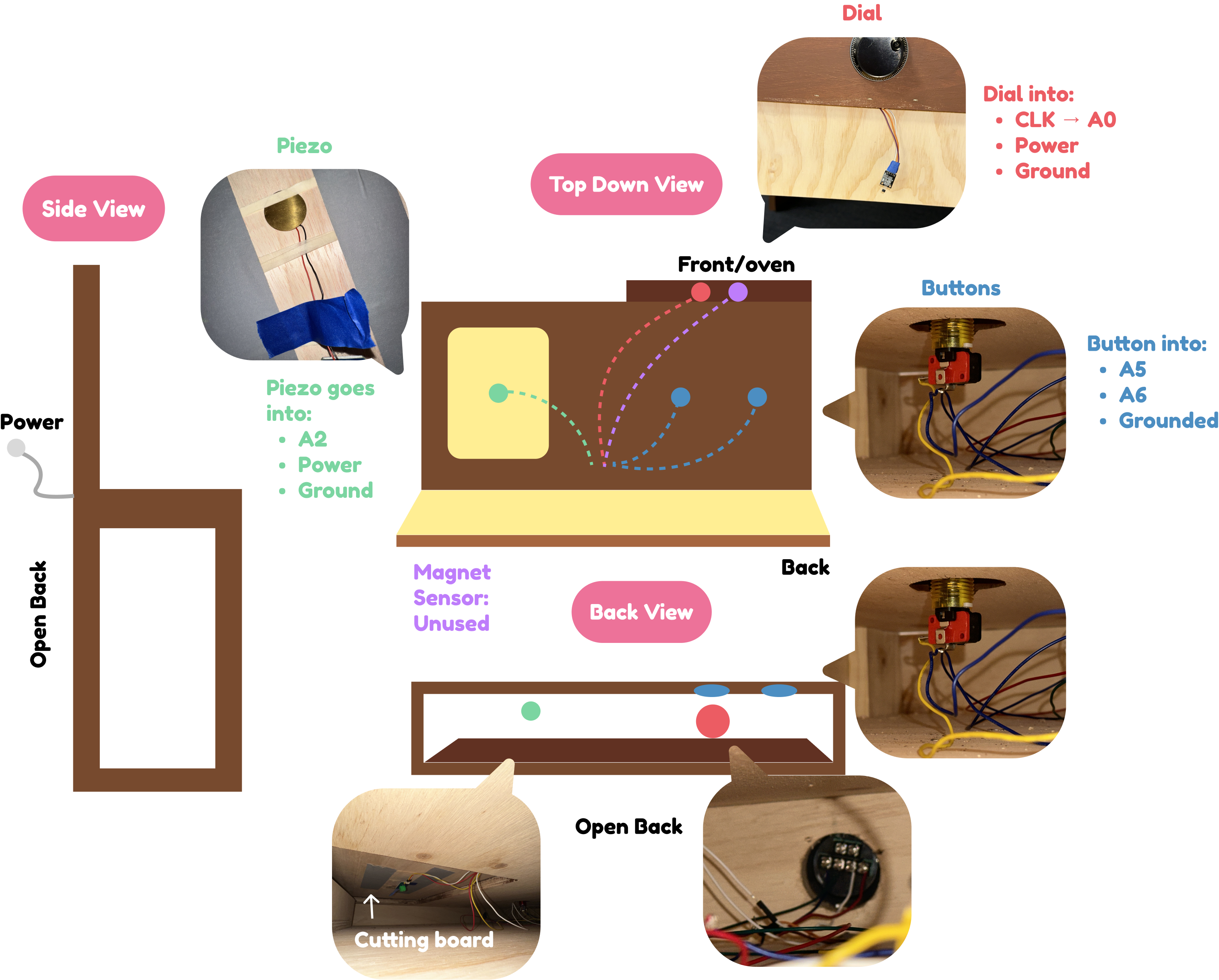
Wires
How To Set Up Mr. Meow’s Kitchen
Place the Kitchens vaguely where you think they might belong in the space
Launch QTM (on LIM computer).
Set both computers to LIM Wifi.
Connect both computers to their respective teensys (micro USB on the kitchens)
Open chataigne project on computers. Computer 1 does the original chataigne project (MrMeowChataigne), Computer 2 to Player 2 (MrMeowChataignePlayer2).
Ensure Serial communication is working – baud rate 115200, and set port.
Set Computer 1’s chataigne project OSC output host to 127.0.0.1 and set the port to 12000.
Set Computer 2’s chataigne project OSC output host to the IP address of computer 1, and ensure they’re on the same port.
Make sure that Computer 1’s OSC input port is the same as Computer 2’s OSC output port, and that they are both not 12000. Also ensure that Computer 2’s input port is not the same as its output port.
Now you should be sending Player 2 (team 2) chataigne arduino data straight into Computer 1’s chataigne, and it will send through OSC to the unity project.
Connect Computer 1 to HDMI and audio in the LIM lab, and run the game from this computer.
Open the game, press start, and select the LIM IP in the top right corner
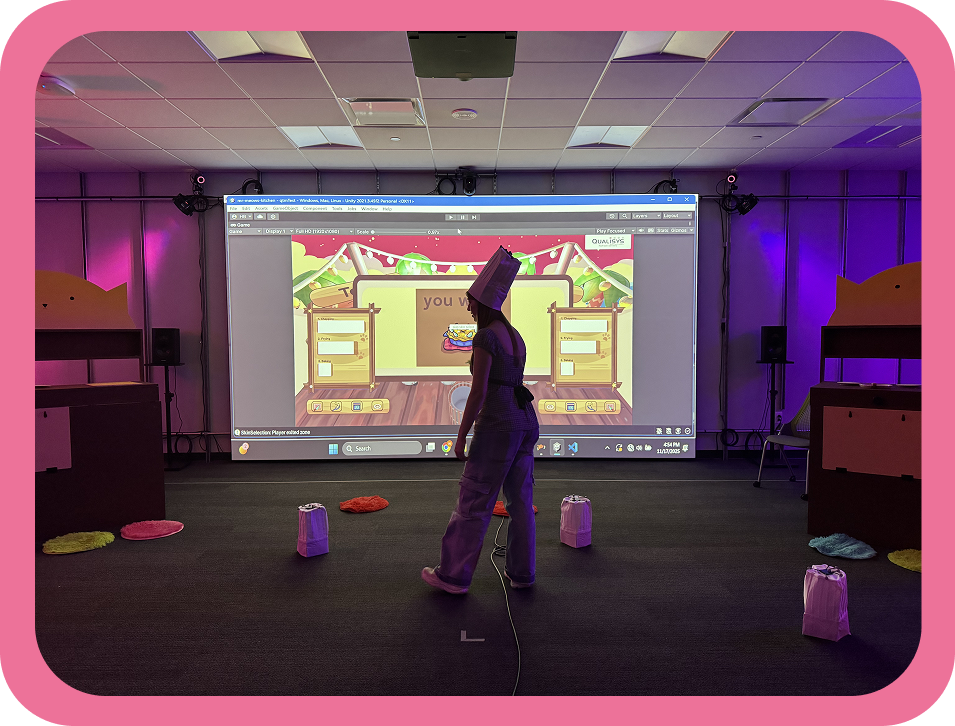
Use the chef hats to position the kitchens so they align with the game.
Do the same to set up the mats in the correct positions.
- (2) Purple goes near the stove
- (2) Blue goes in the middle (oven game)
- (2) Green goes by the cutting board
- (1) Gray goes in the back, align with the trash can
- (2) Red goes in the front, align with the presentation stations
Once you feel the alignment both looks correct on screen and feels correct in the space, close and reopen the game. You are ready to play Mr. Meow’s Kitchen!
Download
Comments
Log in with itch.io to leave a comment.
This is the coolest game ever!
This is so awesome and cool I wish I had a LIM Lab to play this in!
Woww! I want to play so bad!!!!